
Old drives can hold years of customer files, payroll records, and login data. When it’s time to retire them, the wrong disposal method can leave that data exposed.
Both hard drive shredding and data wiping protect information, but they solve the problem in different ways. The right choice depends on security needs, budget, reuse plans, and any rules your business must follow.
Shredding destroys the drive. Wiping removes the data with software and keeps the device usable. That difference matters if you want resale value or total certainty.
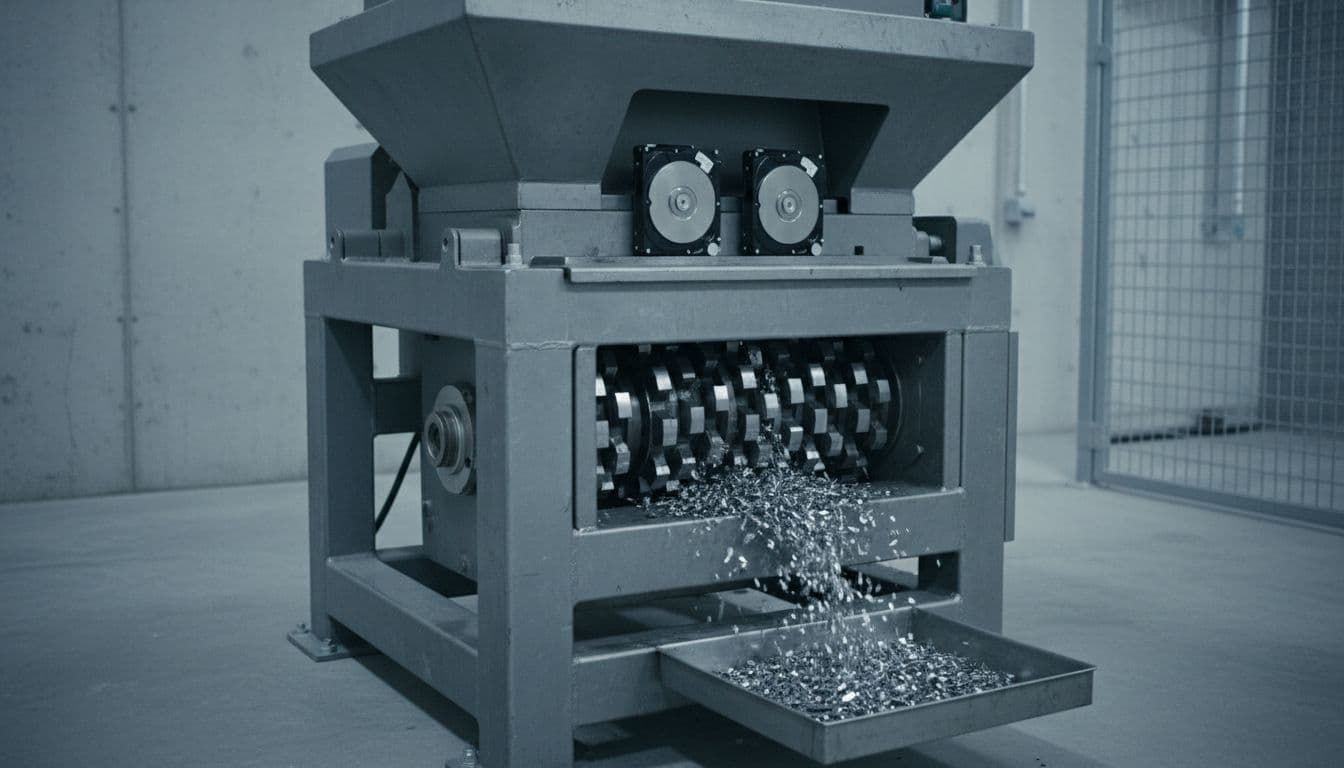
A shredding service feeds drives into an industrial machine that tears them into small pieces. It works on HDDs, SSDs, and even damaged units that won’t power on. Most vendors also provide a chain-of-custody log and a certificate of destruction for audits.
Wiping overwrites stored data with new patterns or uses a secure erase command. On healthy HDDs, a verified wipe can be strong, and NIST 800-88 is the common benchmark. But it takes time, depends on a working drive, and usually ends with an erasure report rather than a destroyed device.

Both methods beat deleting files or doing a quick format. Still, they don’t offer the same level of certainty.
If the data is highly sensitive, shredding is the safer call. Once the drive is reduced to fragments, recovery isn’t realistic. That’s why it’s common for legal files, health records, finance data, and cases where compliance matters more than reuse.
Wiping can be enough for lower-risk data on healthy drives headed for reuse or resale. However, SSDs are trickier because wear-leveling can leave data outside normal overwrite paths. Broken drives, bad sectors, and strict disposal rules also make wiping a weaker choice. Old DoD multi-pass advice is no longer the main standard.
Wiping usually costs less because you keep the hardware. That means you can redeploy drives, resell working equipment, and cut e-waste. Shredding costs more and ends any reuse, but it also removes the risk that a drive slips back into service with data still on it. For many firms, wiping is the greener option, while shredding is the higher-security one.
Start with three factors: drive type, data sensitivity, and compliance needs. Healthy HDDs with low-risk data are often good wipe candidates. Damaged drives, expired SSDs, and anything holding sensitive records are better shredding targets.
Many companies use both methods. They wipe reusable drives first, then shred anything risky, damaged, or no longer worth keeping. Whatever you choose, use a certified provider and keep the destruction or erasure records.
Data wiping works best when you want reuse, lower cost, and solid protection on healthy drives. Shredding is the better fit when the data is sensitive, the drive is unreliable, or failure isn’t acceptable.
If you’re unsure, choose the method that leaves the least doubt. The safest option is the one that matches the value of the data and the condition of the drive.